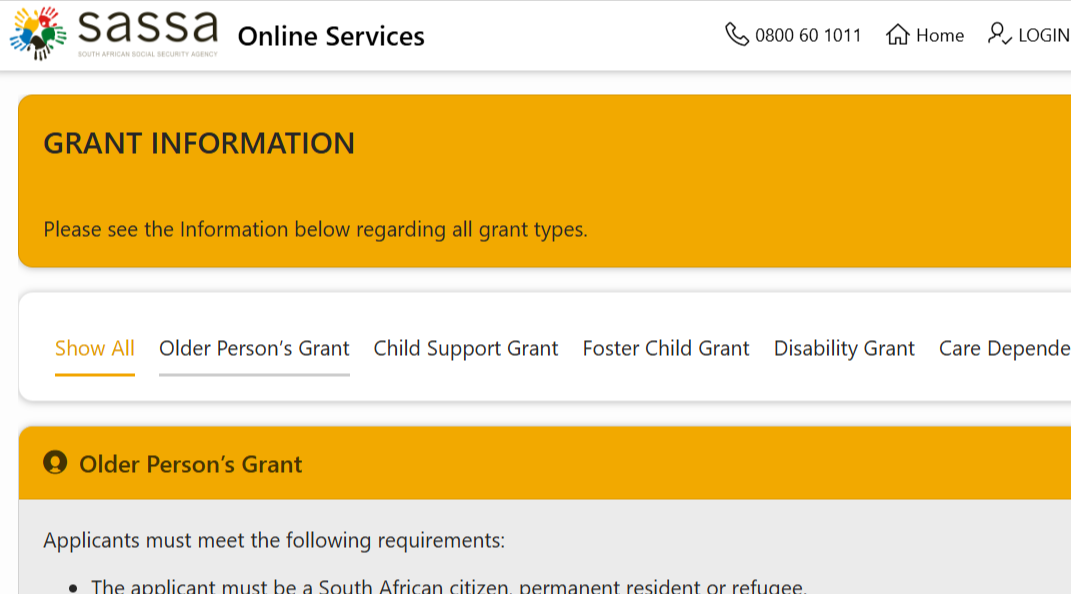
If you have applied for the SASSA Social Relief of Distress (SRD) R370 Grant, checking your application status regularly helps you know whether your application has been approved, declined, or is still being processed.
This guide explains the different ways to check your SASSA SRD status and what each status means.
What You Need Before Checking Your Status
Before you begin, make sure you have:
- Your 13-digit South African ID number
- The mobile phone number you used when submitting your SRD grant application
Method 1: Check Your SASSA Status Online (Recommended)
The fastest and most reliable way is through the official SASSA SRD portal.
Steps:
- Visit the official SRD Status Check page:
- Enter your South African ID number.
- Enter the cellphone number used during your application.
- Click Submit or Check Status.
- Your current application status and payment information will appear on the screen. (srd.sassa.gov.za)
Method 2: Check Using WhatsApp
SASSA also provides a WhatsApp service.
- Save 082 046 8553 on your phone.
- Open WhatsApp and start a chat.
- Follow the prompts.
- Provide your ID number and any requested details to receive your SRD status. (sassahelp.co.za)
Method 3: Check via Telephone
You can contact the SASSA Call Centre.
Toll-Free Number:
0800 60 10 11
A SASSA representative can assist you with:
- Application status
- Payment enquiries
- Updating your details
- General SRD questions (srd.sassa.gov.za)
Understanding Your SASSA Status
Approved
Your application has been successful.
You should also see:
- Payment date
- Payment method
- Collection information (if applicable)
Pending
Your application is still being processed.
SASSA is verifying your information with various government databases.
No action is usually required—simply check again after a few days.
Declined
Your application was unsuccessful.
The reason for the decline will normally be displayed, such as:
- Alternative source of income
- UIF registered
- Identity verification failed
- Means test exceeded
If you believe the decision is incorrect, you may submit an appeal. (srd.sassa.gov.za)
Paid
Your grant has been processed.
The status will display:
- Payment date
- Payment method
- Bank details (if applicable)
No Record Found
This usually means:
- Your application has not been received, or
- The ID number or cellphone number entered does not match SASSA’s records.
Double-check your details before trying again. (grantza.org.za)
Why Your Payment May Be Delayed
Even if your application is approved, payment may be delayed due to:
- Banking verification
- Identity verification
- Incorrect banking details
- Monthly eligibility checks
- High processing volumes
Approved payments are processed in batches, so payment dates can vary each month. (srd.sassa.gov.za)
How to Update Your Banking Details
If you need to change your payment method or banking information, use the official SASSA SRD services page:
SASSA SRD Services and Payments
Ensure that the bank account is registered in your own name, as SASSA does not pay SRD grants into another person’s account. (srd.sassa.gov.za)
Tips for a Successful Status Check
- Use the same cellphone number used during your application.
- Enter your 13-digit ID number correctly.
- Check your status regularly, especially after monthly payment announcements.
- Keep your contact and banking details up to date.
- Only use official SASSA platforms to avoid scams. (srd.sassa.gov.za)
Frequently Asked Questions
How often should I check my SRD status?
You can check as often as needed. Many applicants check once a week or after SASSA announces monthly payment processing.
Can I check my status without my phone number?
No. The SRD status check requires both your South African ID number and the cellphone number used when applying.
My status says “Approved” but I don’t have a payment date.
This usually means your application has been approved, but payment scheduling is still in progress. Check back after a few days.
Can I appeal a declined application?
Yes. If your SRD application is declined and you believe the decision is incorrect, you can lodge an appeal through the official SASSA SRD appeals process. (srd.sassa.gov.za)
Final Thoughts
Checking your SASSA SRD grant status is quick and helps you stay informed about your application and payment progress. For the safest experience, always use the official SASSA SRD website and never share your personal information with unofficial websites or individuals.